
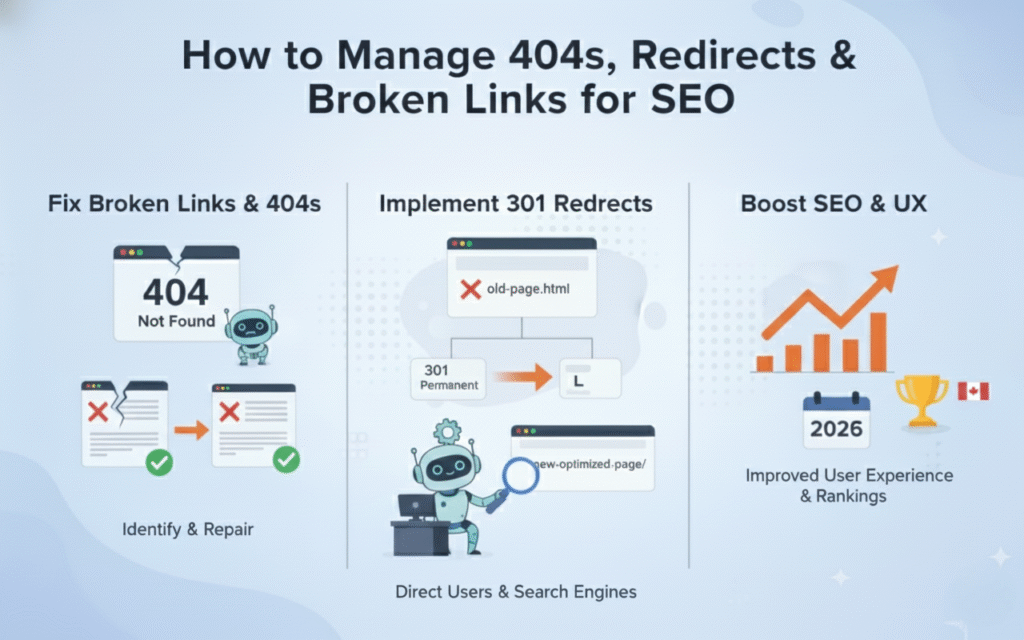

Broken pages cost businesses thousands in lost revenue every single month. When a visitor clicks a link and lands on a 404 error page, you lose more than just that click. You damage trust, waste crawl budget, and send ranking signals that hurt your entire domain.
Recent studies show that 88% of users won’t return to a site after a bad user experience. A 404 error is one of the fastest ways to create that negative impression. These errors also signal to Google that your site lacks proper maintenance, which can lower your overall domain authority.
This guide reveals how to find and fix 404 errors, implement redirects correctly, and protect your search rankings. You’ll learn proven tactics used by high performing sites to maintain clean link structures, preserve link equity, and deliver smooth user experiences that convert visitors into customers.
What Are 404 Errors and Why Do They Matter?
A 404 error occurs when a user or search engine tries to access a page that no longer exists on your server. The server responds with a “404 Not Found” status code, telling the browser that the requested URL cannot be located. This happens when pages get deleted, URLs change, or links contain typos.
404 errors directly impact both user experience and SEO performance. When visitors encounter these errors, they often leave your site immediately, increasing bounce rates and reducing time on site. Google tracks these behavioral signals and uses them as ranking factors, meaning too many 404s can lower your search visibility.
From a technical standpoint, 404 errors waste your crawl budget. Google allocates a specific number of pages to crawl on your site during each visit. When Googlebot spends time crawling broken pages, it has fewer resources to discover and index your valuable content.
How 404 Errors Hurt Your SEO Rankings
Search engines view excessive 404 errors as signs of poor site maintenance and outdated content management. Google’s algorithm interprets these broken pages as indicators that your site may not provide reliable information. This perception can gradually lower your domain authority and push your pages down in search results.
Link equity gets completely wasted when backlinks point to 404 pages. If an authoritative site links to your deleted content, that valuable ranking power disappears into a dead end. You lose both the traffic from that referral source and the SEO benefit that could have boosted other pages.
User behavior metrics suffer dramatically when people hit error pages. Your bounce rate spikes, session duration drops, and pages per session decrease. These negative engagement signals tell Google that users aren’t finding what they need on your site, which directly correlates with lower rankings.
What Are Redirects and How Do They Work?
Redirects are server instructions that automatically send users and search engines from one URL to another. When implemented correctly, they preserve user experience by guiding visitors to relevant content instead of dead ends. They also transfer ranking signals from old URLs to new destinations, protecting your SEO investment.
The most common redirect types include 301 (permanent), 302 (temporary), and 307 redirects. Each serves a different purpose and sends distinct signals to search engines about your content strategy. Understanding when to use each type prevents serious SEO mistakes that can tank your rankings.
A 301 redirect tells search engines that a page has permanently moved to a new location. This redirect passes 90-99% of link equity to the new URL, making it the preferred choice for most permanent changes. Google treats the new URL as the canonical version and updates its index accordingly.
Types of Redirects and When to Use Each One
The 301 permanent redirect is your default choice for most scenarios involving deleted pages or URL structure changes. Use it when you’ve permanently moved content, consolidated duplicate pages, or changed your domain name. This redirect ensures that link equity flows to your new URL and Google updates its records.
A 302 temporary redirect indicates that a page has moved temporarily but will return to its original URL. This redirect doesn’t pass full link equity because Google expects the change to reverse. Use 302s for A/B testing, maintenance pages, or seasonal content that will rotate back to the original location.
The 307 redirect functions similarly to a 302 but preserves the HTTP method of the original request. This matters for form submissions and POST requests where you need to maintain the exact request type. Most sites rarely need 307 redirects unless dealing with complex web applications.
How to Find 404 Errors on Your Website
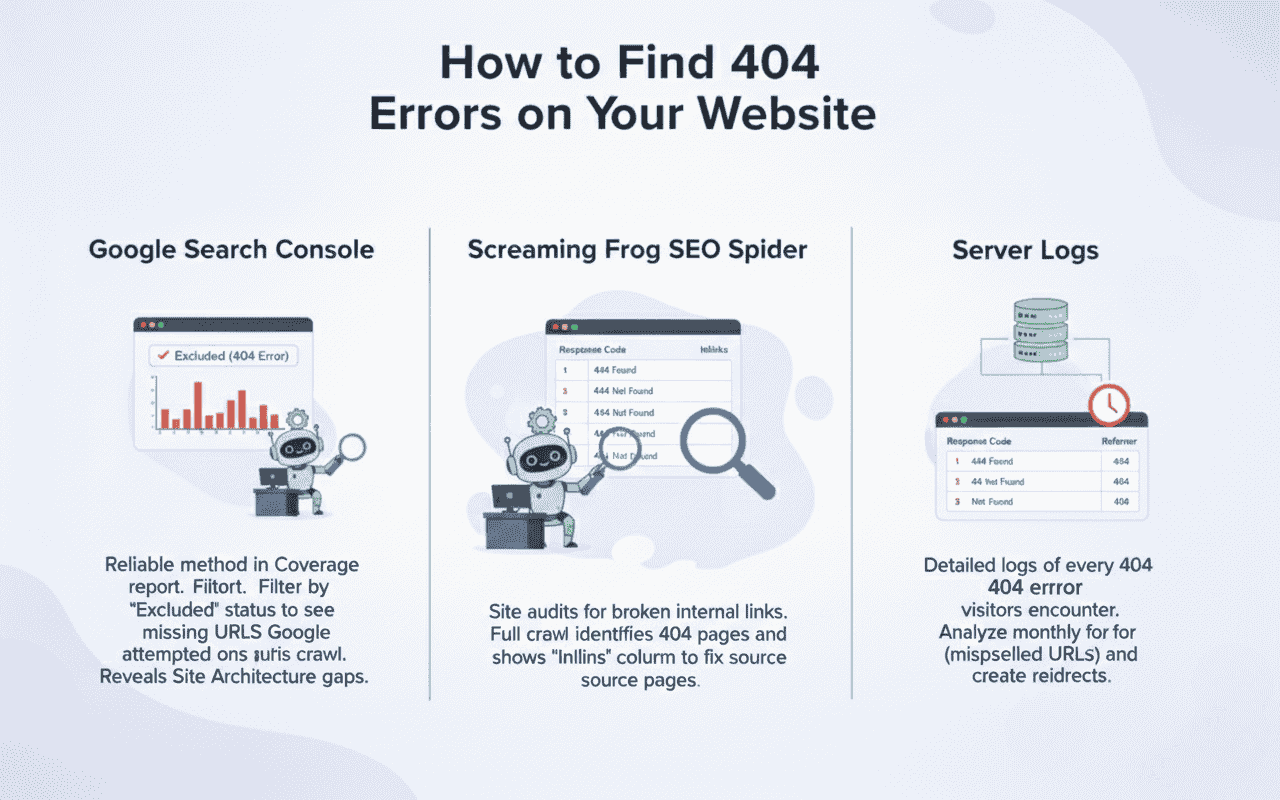
Google Search Console provides the most reliable method for discovering 404 errors that affect your search performance. Navigate to the Coverage report and filter by “Excluded” status to see pages returning 404 errors. This report shows exactly which URLs Google attempted to crawl but found missing, which also highlights gaps connected to Site Architecture.
Screaming Frog SEO Spider offers comprehensive site audits that identify broken internal links before they impact users. Run a full crawl of your domain and filter by response code 404 to see all broken pages. The tool also shows which pages link to each 404, making it easy to fix the source.
Your server logs contain detailed information about every 404 error visitors encounter, including the referring source. Analyse these logs monthly to catch patterns, such as commonly misspelled URLs or frequently accessed old content. This data reveals opportunities to create redirects for the most impacted pages.
Best Practices for Implementing Redirects Properly
Always redirect 404 pages to the most relevant existing content rather than your homepage. Sending users to your homepage wastes their time and provides no value, often resulting in immediate exits. Find the closest topical match or category page that addresses the user’s original search intent.
Avoid redirect chains where one redirect points to another, which points to yet another URL. Each hop in the chain dilutes link equity and slows page load times. Google may stop following chains after three to five hops, meaning you lose ranking power and create poor user experiences.
Implement redirects at the server level using .htaccess files, nginx configuration, or your content management system. Server side redirects execute faster than JavaScript or meta refresh redirects and send clearer signals to search engines. They also work regardless of whether users have JavaScript enabled.
Common Redirect Mistakes That Damage Rankings
Redirecting every deleted page to your homepage creates a soft 404 error that Google recognises and penalises. This lasy approach signals that you haven’t carefully managed your content migration. Google may ignore these redirects entirely, treating them as if you returned a 404 status code instead.
Using 302 redirects when you mean to implement permanent changes confuses search engines about your intentions. Google won’t transfer full link equity because it expects the original page to return. This mistake can leave you with duplicate content issues and split ranking signals across multiple URLs.
Failing to update internal links after implementing redirects creates unnecessary redirect hops for users and crawlers. Even though the redirect works, it adds latency and wastes crawl budget. Update all internal links to point directly to the final destination URL for optimal performance.
How to Create an Effective Custom 404 Page
Your custom 404 page should immediately acknowledge the error and apologise for the inconvenience. Use friendly language that reassures visitors they’re still on a professional site that cares about their experience. Avoid technical jargon or robotic messages that feel impersonal and unhelpful.
Include a search box prominently on your 404 page to help users find what they originally wanted. Add links to your most popular content, main category pages, and homepage. These navigation options give visitors clear paths forward instead of forcing them to use the back button.
Consider adding a contact form or support email address so users can report broken links. This feedback helps you identify and fix issues faster while showing customers you value their input. Some high performing sites even use humor or creative design to turn 404 errors into memorable brand experiences.
Tools and Resources for Managing Redirects
Google Search Console remains the essential free tool for monitoring crawl errors and coverage issues. Set up email alerts to get notified when Google discovers new 404 errors. Review the Coverage report monthly to catch problems before they accumulate and damage rankings.
Screaming Frog SEO Spider provides desktop crawling capabilities for sites up to 500 URLs in the free version. The paid version handles unlimited URLs and offers advanced features like custom extraction and JavaScript rendering. Use it for regular site audits and before major migrations.
Redirect mapper tools like Redirect Path (Chrome extension) and HTTP Status Code Checker help you visualise redirect chains and verify implementation. These tools instantly show you the redirect status and final destination when you visit any URL, making quality assurance faster and more reliable.
Ahrefs Site Audit automatically crawls your site and identifies broken links, redirect chains, and 404 errors. The tool provides prioritised recommendations based on the number of referring domains and internal links pointing to each broken page. This helps you fix the most damaging issues first.
Advanced Strategies for Redirect Management
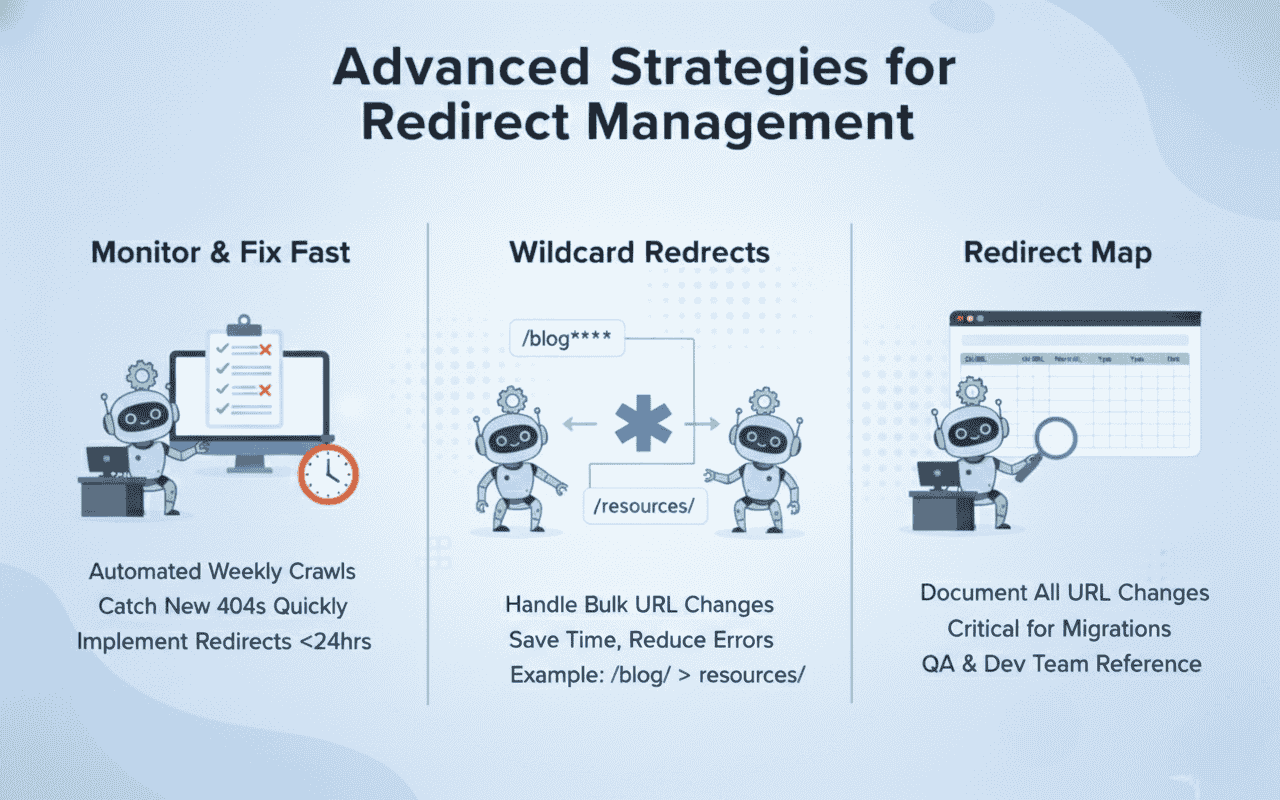
Implement redirect monitoring to catch newly created 404 errors before they impact significant traffic. Set up automated crawls that run weekly and compare results to previous audits. Flag any new broken pages immediately and create redirects within 24 hours to minimise SEO damage.
Use wildcard redirects when you’ve changed URL structure across an entire section of your site. For example, if you moved all blog posts from /blog/ to /resources/, a wildcard redirect can handle hundreds of URLs with a single rule. This approach saves time and reduces configuration errors.
Create a redirect map before major site migrations to document every URL change. This spreadsheet should include old URLs, new URLs, redirect type, and implementation date. Share it with your development team and use it as a reference during quality assurance testing.
How Redirects Affect Page Speed and Core Web Vitals
Each redirect adds latency because the browser must make an additional HTTP request to reach the final destination. This delay impacts your Largest Contentful Paint score, one of Google’s Core Web Vitals metrics. Minimise redirect chains and eliminate unnecessary redirects to improve loading times.
Mobile users experience redirect delays more severely due to slower network connections. A redirect chain that adds 200 milliseconds on desktop might add 500 milliseconds on 3G mobile networks. This performance gap widens the user experience divide between devices and can hurt mobile rankings.
Server side redirects perform faster than client side alternatives because they execute before any page content loads. JavaScript redirects require the browser to download, parse, and execute code before redirecting, adding significant delay. Always choose server side implementation for better performance and SEO outcomes.
When to Use 410 Gone Instead of 404 Errors
A 410 status code tells search engines that a page is permanently gone and will never return. Unlike a 404, which suggests the page might come back, a 410 instructs Google to remove the URL from its index immediately. This status code is appropriate for discontinued products, expired promotions, or deleted spam content.
Using 410 codes helps Google clean up its index faster, potentially improving your crawl efficiency. When Google sees a 410, it stops attempting to recrawl that URL, freeing up crawl budget for your active pages. This benefit becomes significant on large sites with thousands of deleted pages.
Reserve 410 codes for content you’re certain will never return. If there’s any chance you might republish similar content at that URL or redirect it later, stick with a 404. The 410 status is a strong signal that’s harder to reverse if you change your content strategy.
How to Handle Redirects During Site Migrations
Create your redirect map at least two weeks before launching your new site structure. This gives you time to review every URL, identify redirect destinations, and test your implementation in a staging environment. Rush jobs lead to broken redirects and catastrophic ranking losses.
Implement all redirects before changing your DNS settings or making your new site public. Test every redirect manually or use automated tools to verify that old URLs reach the correct new destinations. Check for redirect chains, infinite loops, and incorrect destinations that could damage user experience.
Monitor your Google Search Console and analytics data hourly during the first 24 hours after migration. Look for unexpected traffic drops, spike in 404 errors, or ranking fluctuations. Having your redirect map ready allows you to quickly identify and fix any misconfigured redirects before they cause lasting damage.
Measuring the Impact of Your Redirect Strategy
Track your site’s 404 error count weekly using Google Search Console’s Coverage report. A well maintained site should show declining 404 errors over time as you systematically fix broken links and implement redirects. Sudden spikes indicate new technical issues that need immediate attention.
Monitor organic traffic to pages that received redirects from old URLs. Compare traffic levels before and after implementing redirects to ensure you’re not losing significant visitors. If redirected pages show traffic drops exceeding 20%, review whether the redirect destination truly matches user intent.
Analyse your bounce rate and time on page for redirect destinations. If these metrics worsen after implementing redirects, users aren’t finding what they expected. Consider creating new content that better addresses the original page’s topic or choosing a more relevant redirect destination.
Final Thoughts
Most SaaS, B2B, and agency teams treat 404 errors and redirects like minor nuisances: patch a page here and there, hope it doesn’t hurt rankings, and wonder why traffic fluctuates. At Drip Ranks, we knew there had to be a better way. So we built a system, not a service.
Forensic audits uncover your highest ROI opportunities, showing exactly where broken pages and redirect chains waste traffic, dilute authority, or block conversions. Intent-mapped strategies ensure every redirect supports the buyer journey, while scalable execution multiplies results without increasing headcount. The difference? Your SEO becomes measurable, repeatable, and revenue-focused, not a black box that relies on guesswork.
Drip Ranks specialises in technical SEO strategies that fix hidden 404 and redirect issues while unlocking organic growth. Our team has helped hundreds of businesses recover from migration disasters, clean up redirect chains, and build sustainable site architectures. Contact us today for a comprehensive site audit that identifies every 404 error and redirect opportunity holding back your rankings.